Overcoming the Generic Image Problem in Dropshipping
Dropshippers often receive basic supplier photos used by hundreds of competing stores. Using identical visuals reduces customer trust and makes ads look repetitive across platforms. While supplier photos provide a starting baseline, relying solely on unedited stock imagery makes it hard to build a distinct brand identity. Enhancing supplier images through AI scene generation offers a practical way to create fresh background contexts without ordering physical samples. Unlike generic generators that frequently alter product details, My UGC Studio guarantees true product fidelity across every new scene. Transforming Generic Dropshipping Images into Branded Visuals with AI.
AI Tools for Elevating Supplier Photos
Modern AI platforms let merchants turn raw supplier photos into structured e-commerce assets quickly. These tools remove original backgrounds, generate targeted placement scenes, and animate still images into short product loops. This speeds up creative testing and catalog setup without immediate studio costs. Dropshippers can upload a clear supplier photo, select available style settings, and generate marketplace-ready assets. My UGC Studio, for instance, allows users to upload a clear photo of your product and generate contextual scenes or models around it while guaranteeing complete fidelity to the real item's logos, text, packaging, and colors.
Background Removal and Scene Generation
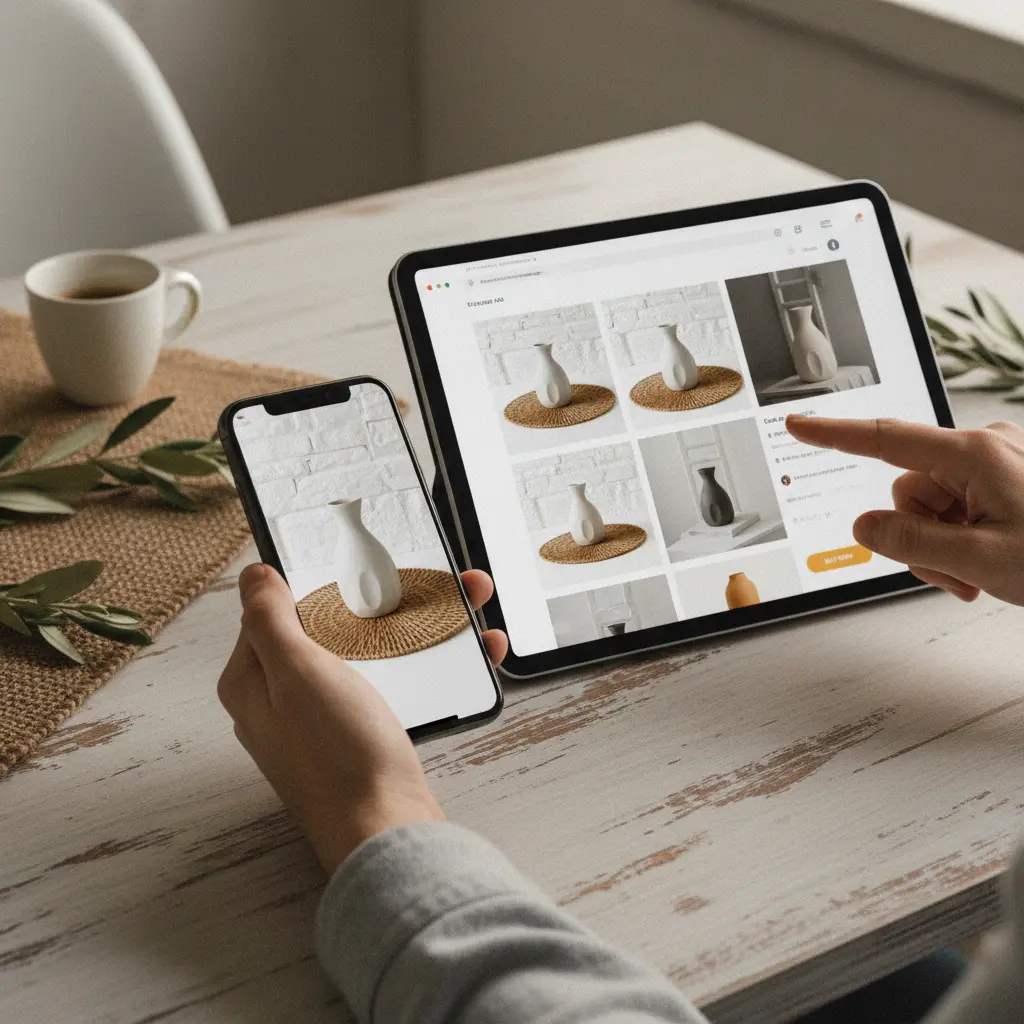
Removing cluttered supplier backgrounds isolates the product for custom scene placement. Once the product is isolated, AI can place it into clean studio settings or targeted lifestyle environments. A smart device can be shown on a wooden desk, while a skincare bottle rests on a marble counter. This helps shoppers visualize the item in context. While ordinary prompt-based generators can blur text or skew details, My UGC Studio maintains precise item details automatically, leaving review focused purely on scene composition and channel suitability.
Adding AI Models for Lifestyle Context
Placing products with generated human models provides scale and usage context. AI models show product fit, placement, and application without casting expenses or studio logistics. Merchants can choose diverse virtual representations to fit target audience demographics. Remember that generated models are synthetic visual aids, not genuine customer reviewers, and should not be presented as real customer testimonials.
Crafting High-Converting Product Listings
E-commerce listings require a combination of compliant main images and informative lifestyle shots. Supplier photos rarely provide a full set of high-resolution listing assets. With AI tools, merchants can generate clean studio imagery alongside lifestyle scenes to populate product detail pages. On Shopify, cohesive visual sets build store credibility. Before publishing, verify that all product details, colors, and dimensions match the physical item. Explore more on this topic in our guide on How to Create Shopify Product Page Images with AI That Increase Conversion Rate.
| Use Case | Best Creative Approach with AI | What To Avoid |
|---|---|---|
| Shopify Product Page | Lifestyle imagery, feature callouts, clear product angles. | Relying only on low-quality supplier cutouts. |
| Amazon Main Listing | Pure white background, accurate product-only shot. | Cluttered backgrounds, text overlays, or modified product logos. |
| Amazon Secondary Images | Contextual lifestyle scenes, scale comparisons, feature diagrams. | Distorted proportions or unverified product performance claims. |
| TikTok/Reels Ads | Short 5-second or 10-second video motion loops with dynamic captions. | Static supplier images without motion or clear visual hook. |
| Pinterest Catalog | Vertical aspirational lifestyle scenes matching store aesthetic. | Low-resolution images or mismatched color themes. |
| Localized Marketing (e.g., EU) | Regional setting details and demographically aligned models. | Direct translations with generic, non-localized imagery. |
| New Product Launch (Fast Test) | Batch-generate initial variations for visual evaluation. | Publishing uninspected outputs with altered labels or logos. |
| Email Marketing | Focused lifestyle shots and clean feature highlights. | Generic stock photos that do not match the exact product. |
Optimizing Visuals for Amazon and eBay
Marketplace listings require strict compliance and clear product presentation. Amazon requires main listing photos to feature the product on a pure white background without extra props or overlays. Secondary images on Amazon and eBay can include contextual lifestyle scenes and detailed feature views. Merchants should consult current marketplace image policies to confirm compliance before uploading generated assets. Read our article on eBay Listing Images with AI: How to Refresh Marketplace Creatives Without a Photoshoot for step-by-step methods.
Image-to-Video Workflows for Dropshippers
Short product motion clips help demonstrate item usage on video-first channels. AI video tools transform a single uploaded photo into brief product showcases or subtle lifestyle motion loops. For example, a portable blender photo can be animated into a short motion clip showcasing its design. Remember that short product animations are visual assets rather than fully produced ads with audio or lip-syncing; voiceovers and final edits should be added as separate tasks. My UGC Studio allows you to instantly turn a static photo into a viral video clip for creative testing. Inspect each output to ensure the product shape and branding remain consistent throughout the animation.
Localization and Diverse Creative Batches
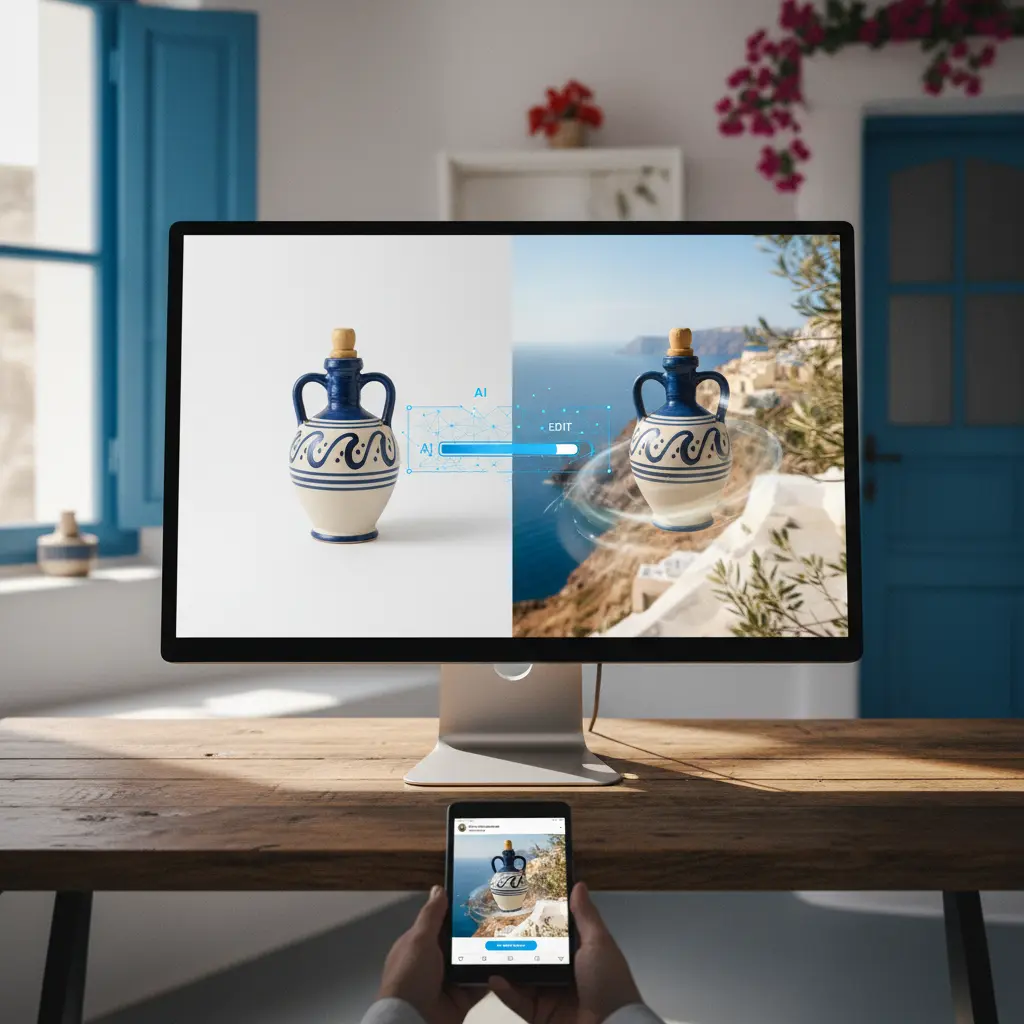
Localizing visuals involves tailoring backgrounds and demographics to target markets. Expanding into international markets requires images that align with regional tastes and cultural context. AI scene generation enables dropshippers to alter room styles, environmental settings, and virtual model demographics from a single source image. Generating localized variations helps align marketing visuals with regional expectations without costly physical shoots. Learn more in How to Localize Ecommerce Product Creatives for Global Markets with AI.
Practical Scenarios for Dropshipping Visuals
Practical workflows for applying AI generation to common dropshipping scenarios: Here are six operational scenarios illustrating how to transform supplier photos into accurate listing and ad creatives:
- Shopify Product Page Refresh:
- Situation: You have launched a fitness accessory but only received a flat supplier photo on a plain background.
- Recommended Creative Approach: Upload the clean supplier image to AI, select relevant lifestyle environments, and inspect the outputs for accurate product details. Generate 3-4 contextual images alongside a clean white-background main shot.
- Alternative Option: Manual graphic editing or basic mockups, which can be time-consuming and visually flat.
- What to Avoid: Relying exclusively on cutouts without showing the item in realistic use contexts.
- Explanation: Combining clear product shots with realistic lifestyle context gives shoppers a complete view of product size and use.
- Amazon Listing Image Update:
- Situation: Your Amazon listing for a kitchen gadget suffers low clicks due to outdated, unrefined supplier images.
- Recommended Creative Approach: Use an accurate product-on-white image for the main slot, then generate secondary lifestyle images showing the gadget on a clean kitchen counter. Reject any output that alters product buttons or logos.
- Alternative Option: Unfiltered supplier photos, which may contain watermarks or non-compliant text overlays.
- What to Avoid: Uploading main images with heavy shadows, text, or non-white backgrounds against Amazon policy.
- Explanation: Compliant main images meet marketplace standards, while informative secondary images answer buyer questions.
- eBay Listing Revamp without Photoshoot:
- Situation: You are selling a generic phone accessory on eBay and want to stand out from competing listings using the exact same image.
- Recommended Creative Approach: Place the supplier photo in several realistic background settings, such as an office desk or nightstand. Verify that connector ports and color shades match the actual inventory.
- Alternative Option: Generic stock photos that do not feature the specific model or port alignment.
- What to Avoid: Publishing heavily edited images that obscure key product features or alter dimensions.
- Explanation: Contextual scenes make listings feel professional while preserving critical product details. Learn more in eBay Listing Images with AI.
- TikTok Short-Form Ad Test:
- Situation: You need to test visual hooks on TikTok for a mini projector using only a single supplier photo.
- Recommended Creative Approach: Generate 3-4 short 5-second video clips (10 credits each) showing the projector in different room settings. Add text overlays and audio in a video editor to construct short ad variants.
- Alternative Option: Static image slideshows, which typically suffer lower viewer retention on video platforms.
- What to Avoid: Expecting raw generated video files to serve as fully edited ads without music, voiceover, or captions.
- Explanation: Short video loops provide dynamic visual assets for rapid creative testing in ad campaigns. See Transforming Product Photos into High-Converting TikTok Video Ads.
- Pinterest Creative Batch for Catalog:
- Situation: You are launching home decor items on Pinterest and need vertical lifestyle visuals.
- Recommended Creative Approach: Generate a series of vertical lifestyle pins placing the item in modern, well-lit interior settings. Keep lighting and color tones consistent across the batch.
- Alternative Option: Sourcing unrelated stock photography, which risks showing mismatched products.
- What to Avoid: Inconsistent lighting styles or distorted proportions across the product pin set.
- Explanation: Cohesive vertical lifestyle visuals perform better on discovery platforms by showing clear aesthetic context. Our Pinterest Product Creative Workflow covers full details.
- Localization Rollout for EU Market:
- Situation: You are expanding a personal care item to European markets and need tailored creative assets.
- Recommended Creative Approach: Generate lifestyle scenes reflecting European interior styles and localized model demographics. Review each output to ensure package text and brand graphics remain unchanged.
- Alternative Option: Standard global supplier cutouts that lack localized environmental cues.
- What to Avoid: Translating text without adjusting environmental visuals to match regional preferences.
- Explanation: Tailored lifestyle visuals help ground products in relevant consumer settings across different regions. For broader context, visit the My UGC Studio blog.