AI Fashion Product Photos and Try-On Visuals
Fashion brands need more than static packshots. My UGC Studio helps teams turn flat lays, mannequin shots, supplier photos, and clean product inputs into on-model visuals, PDP assets, lookbook scenes, and campaign-ready creative that feels branded and commercially usable.

Why apparel brands need more than static packshots
Fashion ecommerce needs more image types than many other categories. A single supplier photo or flat garment shot rarely covers everything a brand needs for product pages, collection launches, email, social, and paid creative.
Apparel visuals also have to preserve garment details correctly. Fit, silhouette, drape, texture, and styling cues matter. That is why brands need a workflow that can expand one product input into more useful commercial outputs without losing product fidelity.
Who this workflow is best for
This workflow works best for apparel brands that need a wider creative system around each product, not just one more isolated product image.
What products work best
The strongest results usually come from fashion products where shape, fit, and styling context affect conversion.
| Category | Best output type | Main channels | Why it matters |
|---|---|---|---|
| Dresses and tops | On-model PDP and launch visuals | PDP, collection pages, email | Shows silhouette and styling direction faster than flat input alone. |
| Outerwear | Layered lifestyle and campaign scenes | PDP, paid social, homepage | Helps the garment feel more premium and more seasonal. |
| Sets and coordinated looks | Lookbook-style imagery | Collections, social, launch assets | Improves merchandising of the full outfit rather than one isolated SKU. |
| Basics and staples | Clean on-model ecommerce visuals | PDP, paid social, marketplaces | Keeps the product readable while making it feel less generic. |
Input to output: how fashion teams usually work
Typical inputs
Typical outputs
Recommended workflow for fashion brands
What you can create for apparel teams
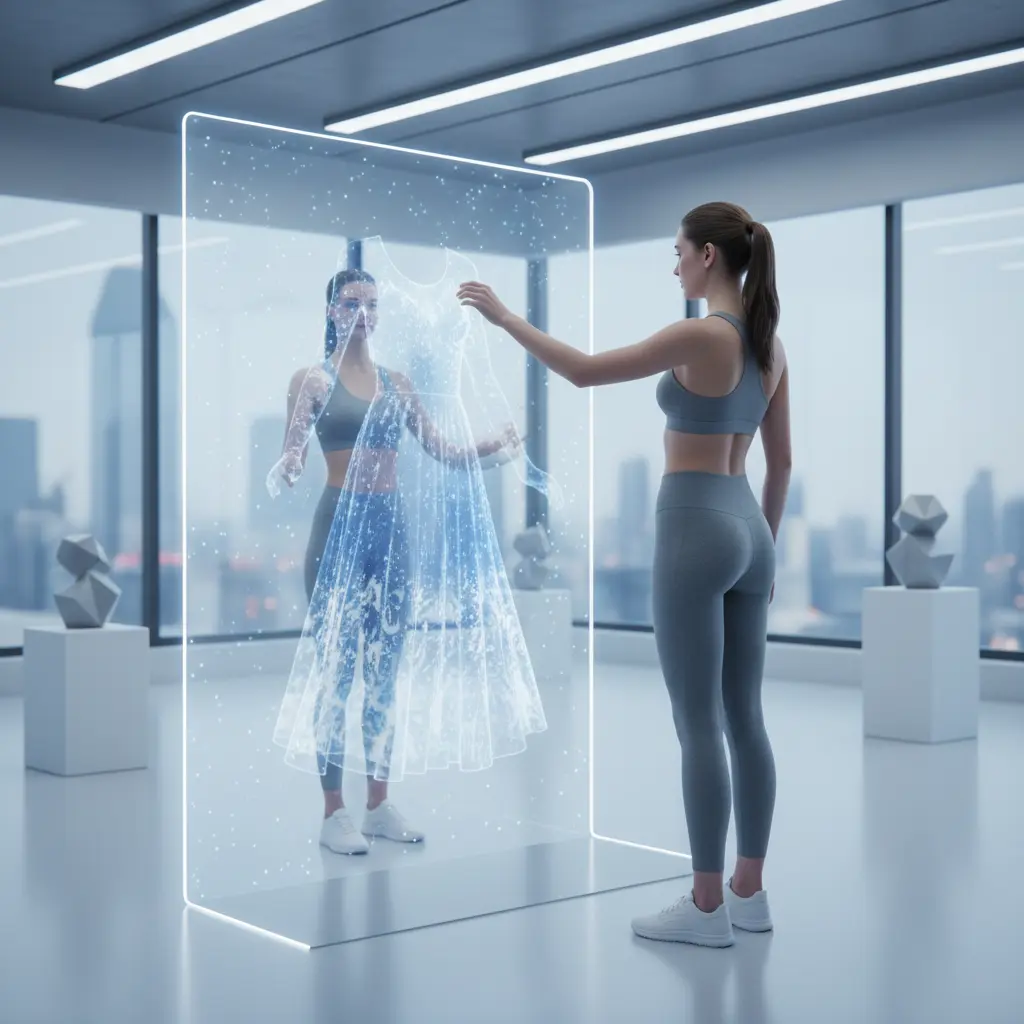
Before and after: from flat garment input to stronger fashion presentation
The starting image often contains the garment detail, but not enough styling or visual context. The goal is not random creativity. The goal is a more useful fashion output built from the same product information.

Use-case examples for apparel brands
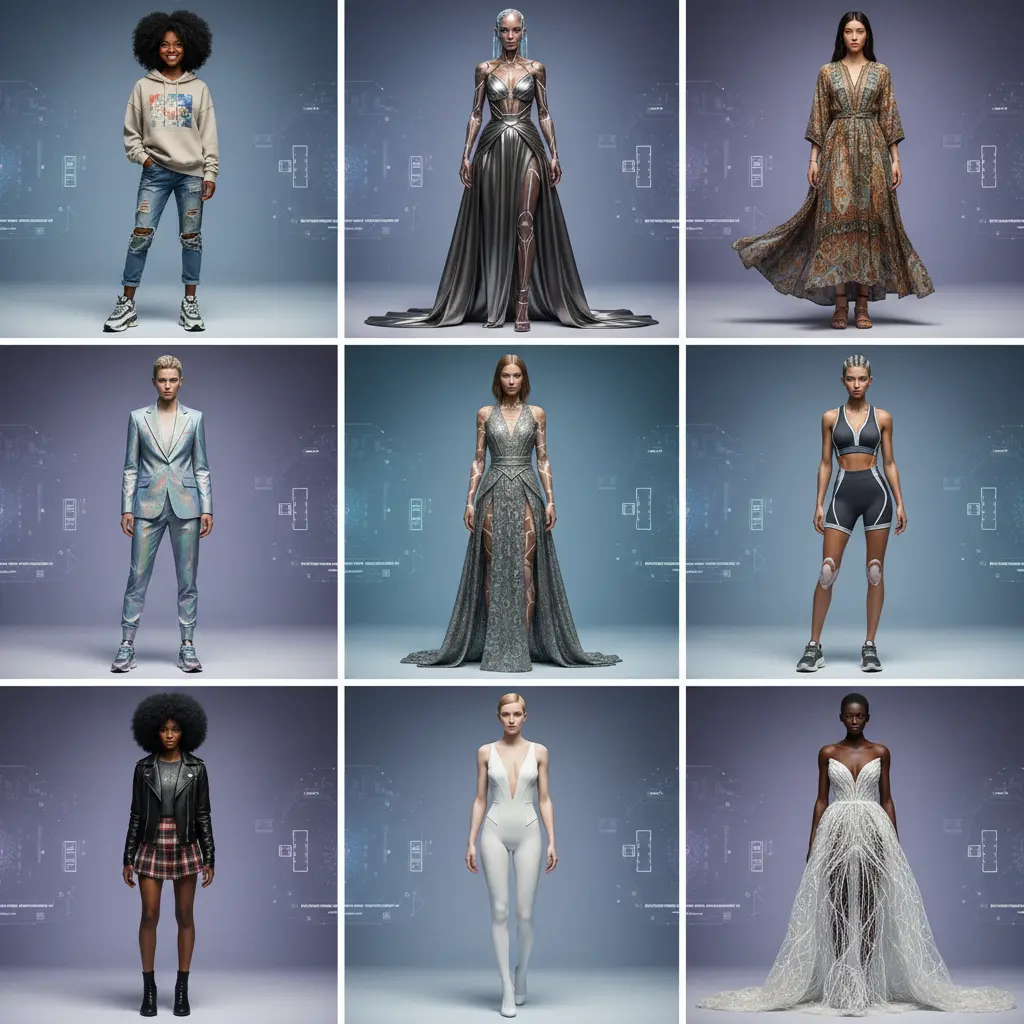
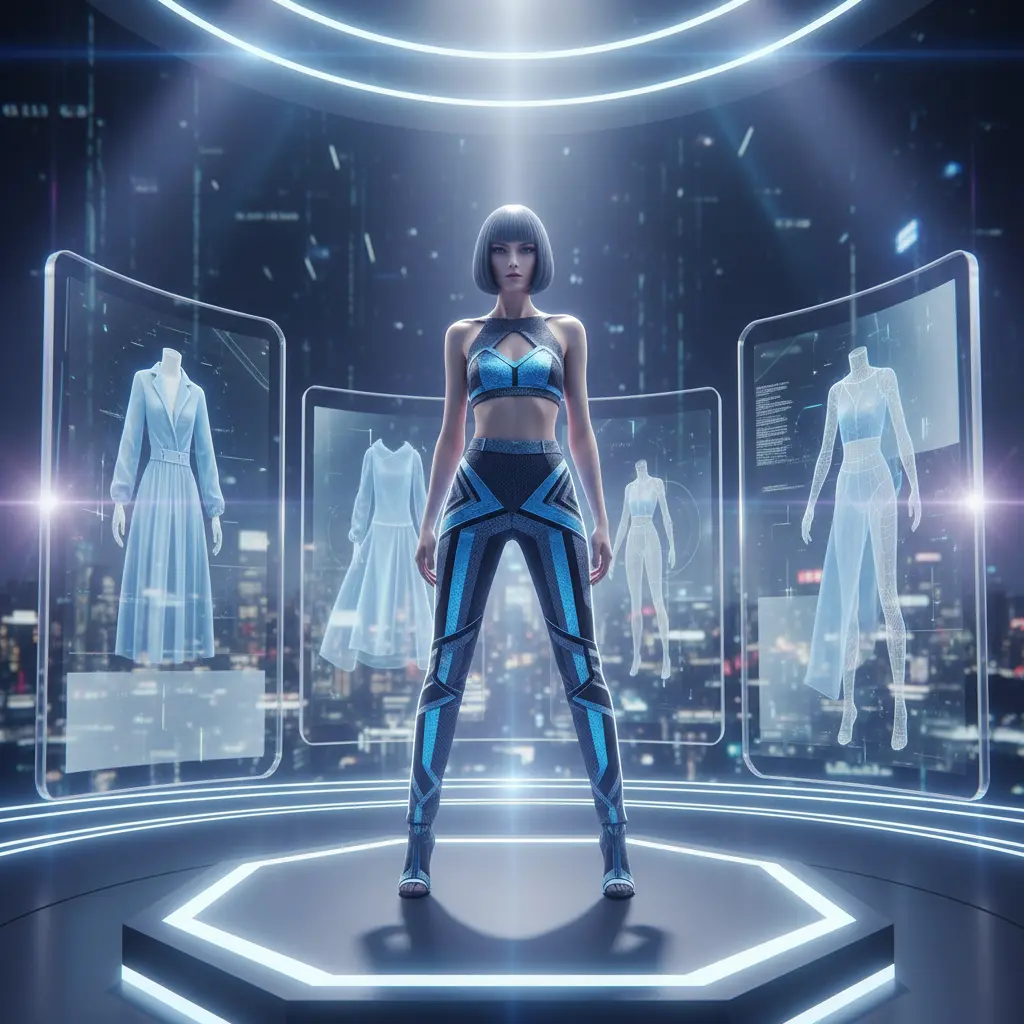
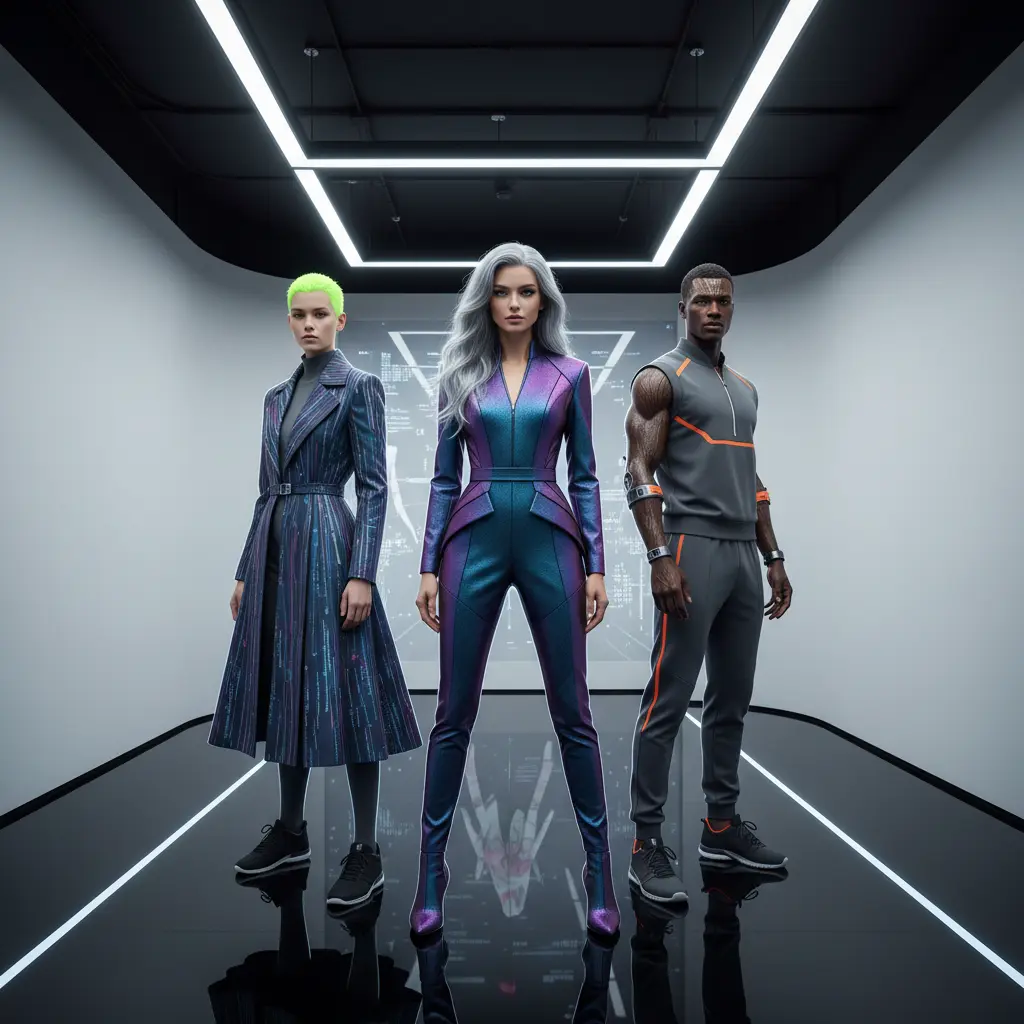
Each visual below represents a different fashion job, not the same generic scene repeated. The point is to show how one apparel workflow can support different parts of the store and marketing system.
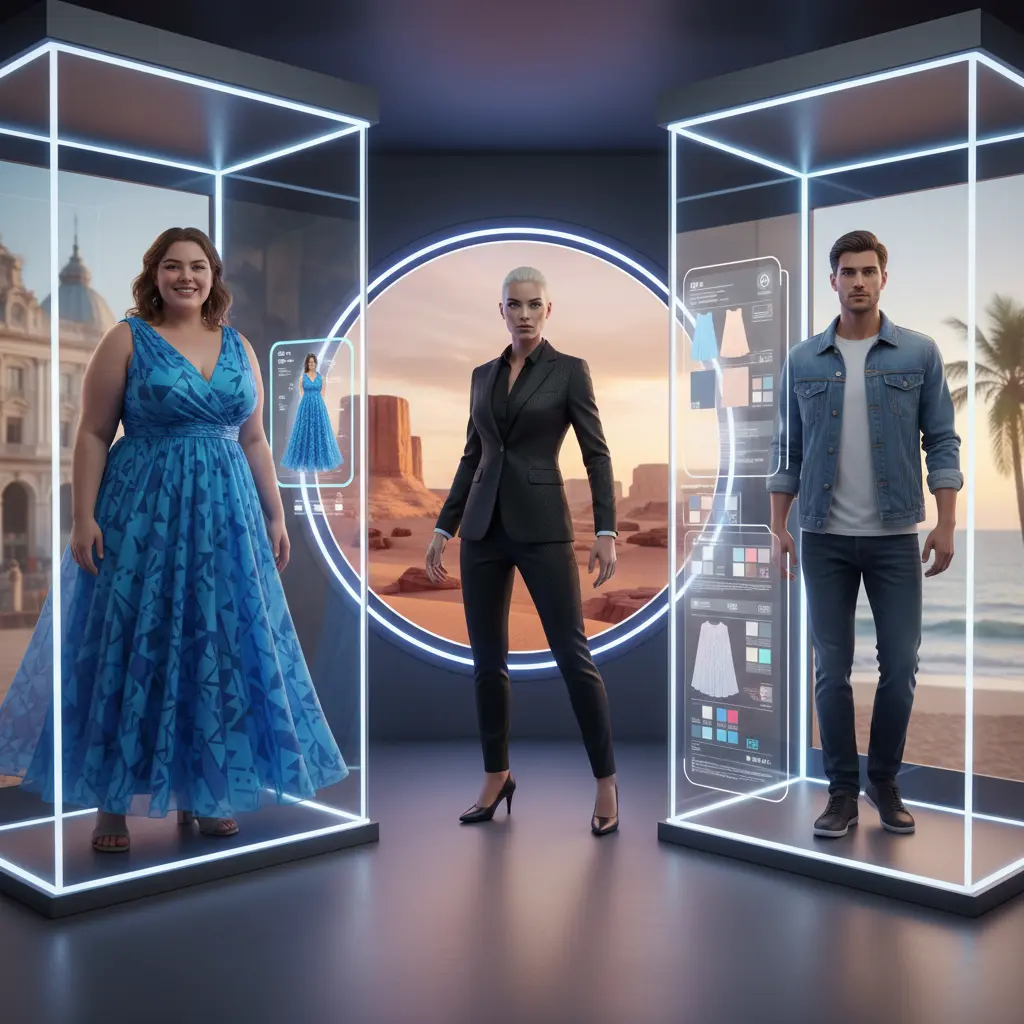
Why smaller fashion brands benefit from this workflow
Large fashion brands can absorb more repeated shoots, resamples, and seasonal asset builds. Smaller teams usually need the same visual breadth with fewer resources, less turnaround time, and tighter launch windows.
That is where this workflow becomes commercially useful. The goal is not to imitate a full studio operation. The goal is to extend the visual system around each garment so the same collection can support more touchpoints.
Common mistakes fashion teams make
FAQ for apparel brands
Flat lays, mannequin photos, supplier catalog images, and clean packshots all work well as starting points for on-model fashion visuals and campaign-ready images.
Yes. Most apparel teams use cleaner product-page visuals for PDPs and more expressive lifestyle or lookbook variations for seasonal launches, ads, and social content.
No. Small apparel brands use the same workflow to launch faster, test more directions, and avoid sending samples into repeated studio shoots.
Yes. The same workflow can support PDP imagery, collection launches, email campaigns, organic social content, and paid social creative.
Build fashion visuals faster
Turn flat lays, mannequin shots, and supplier inputs into stronger fashion assets for PDPs, launches, campaigns, and social.
Next practical step
Generate Footwear Product Images with Realistic Details
Import a clean shoe photo into My UGC Studio. Select an outdoor or studio visual direction, verify that the shoe textures and colors are consistent with the source after review, and use the high-quality image to update your footwear product listings.