AI Product Photography for Dropshipping Stores
Dropshipping stores usually start with the same supplier images everyone else is using. My UGC Studio helps you turn those generic inputs into branded PDP visuals, paid social creatives, collection banners, and marketplace-ready product scenes that feel more differentiated and more commercial.
The real problem with supplier photos
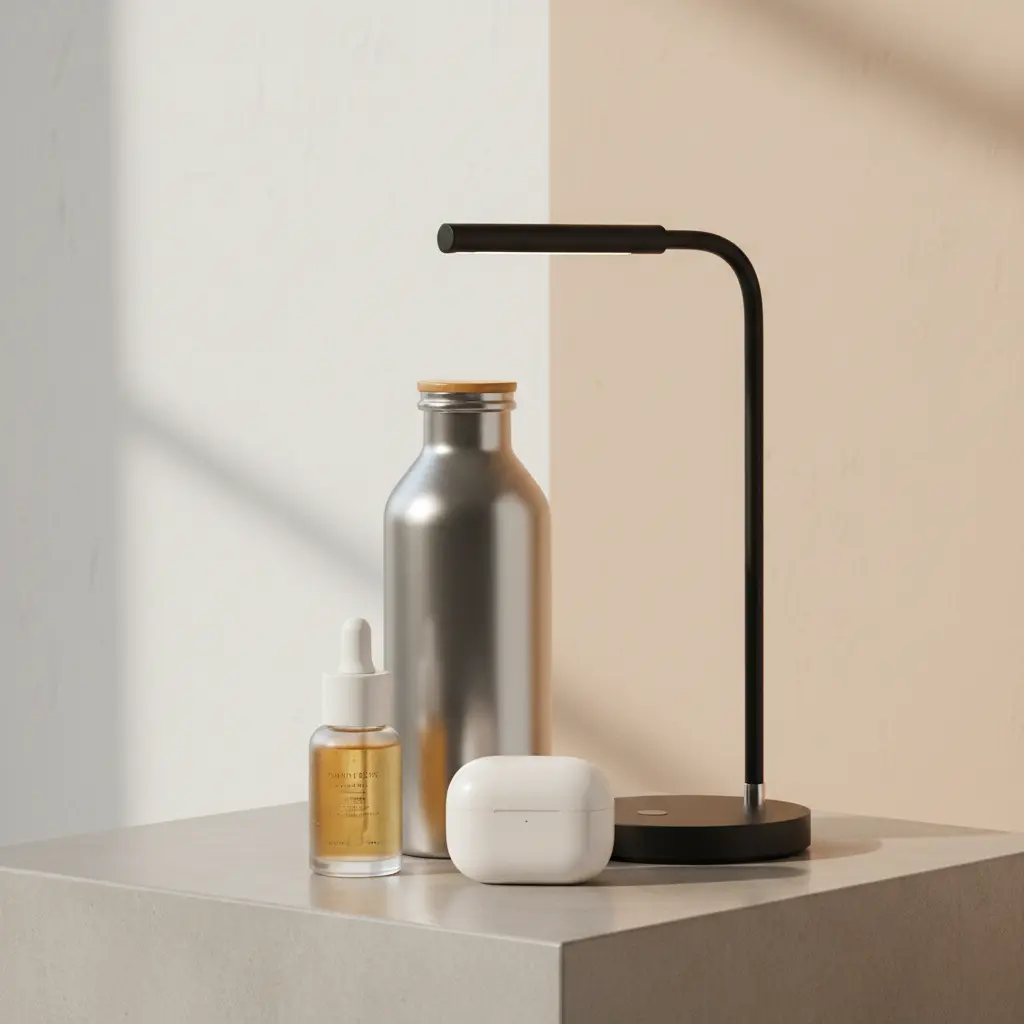
Most dropshipping stores do not lose because they have no product photos. They lose because they have the same product photos as everyone else. When a product page looks interchangeable, the store feels generic before the customer even reads the offer.
That is why the visual problem in dropshipping is not just quality. It is sameness. Better product content helps the same item look more branded, more trustworthy, and more aligned with the positioning of the store.
What dropshipping teams usually start with
The starting point is rarely ideal, but it is usually enough. The goal is not to wait for perfect imagery. The goal is to translate existing product inputs into visuals that feel more usable across store and campaign placements.
What My UGC Studio creates for dropshipping stores
For dropshipping, the best outputs are the ones that immediately improve the store where conversion happens first: product pages, collection pages, launch blocks, and paid social creative. The same product can be reframed without changing the offer itself.
Input to output: how the workflow changes
Typical inputs
Typical outputs
The recommended workflow for dropshipping stores
For dropshipping, the most effective workflow starts with the product page and expands outward into launch and social placements only after the core product visuals feel more branded.
Best asset types for dropshipping
| Asset type | Where to use it | Why it matters |
|---|---|---|
| PDP support image | Product page | Makes the product feel less generic and improves trust at the decision point. |
| Collection banner | Category pages, homepage blocks | Helps the store look branded instead of supplier-driven. |
| Paid social creative | Meta, TikTok, Pinterest | Creates better first impressions for testing and campaign launches. |
| Marketplace secondary visual | Amazon, eBay, Etsy, other channels | Supports cross-channel presentation without rebuilding the asset from zero. |
Best channels and placements
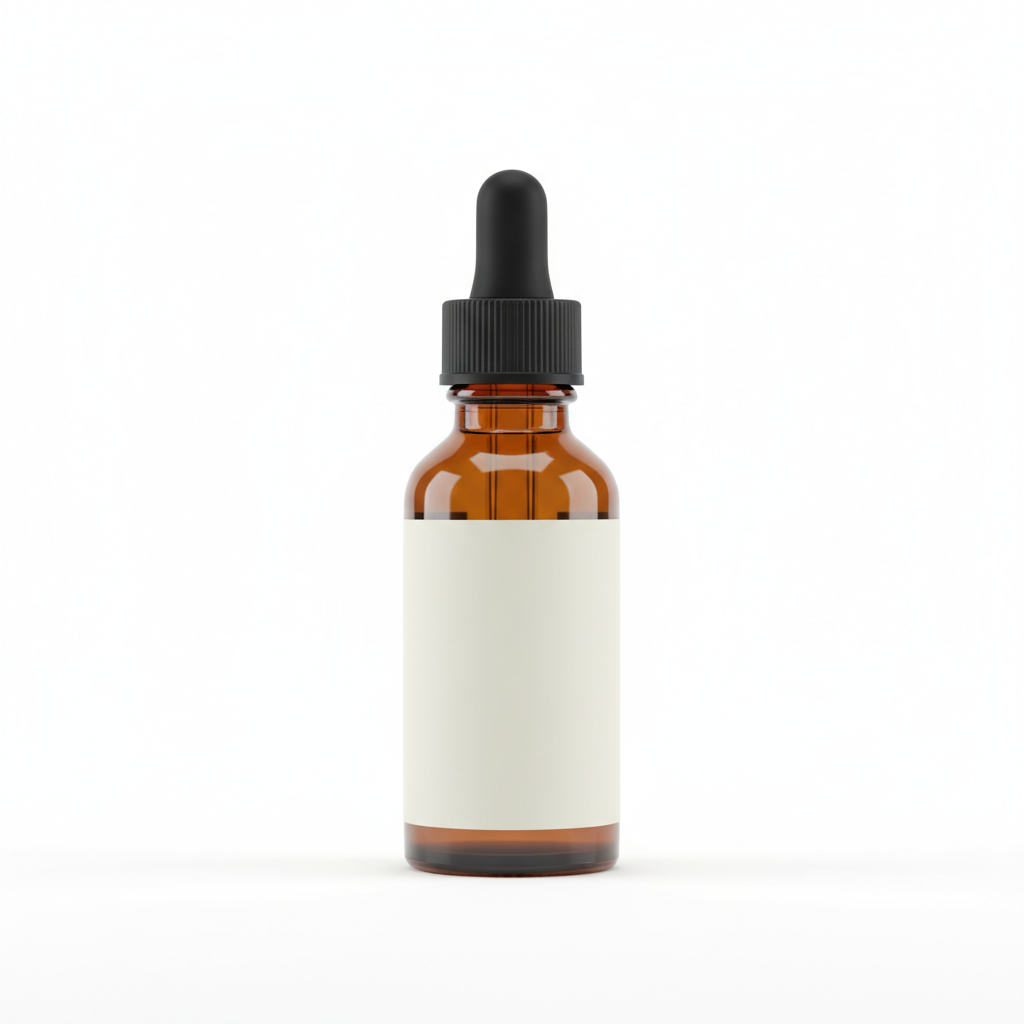
Before and after: from supplier packshot to branded product scene
This section shows the transformation that matters most for dropshipping: not inventing a different product, but making the same item feel more branded and more commercially usable.

Use-case examples for dropshipping stores
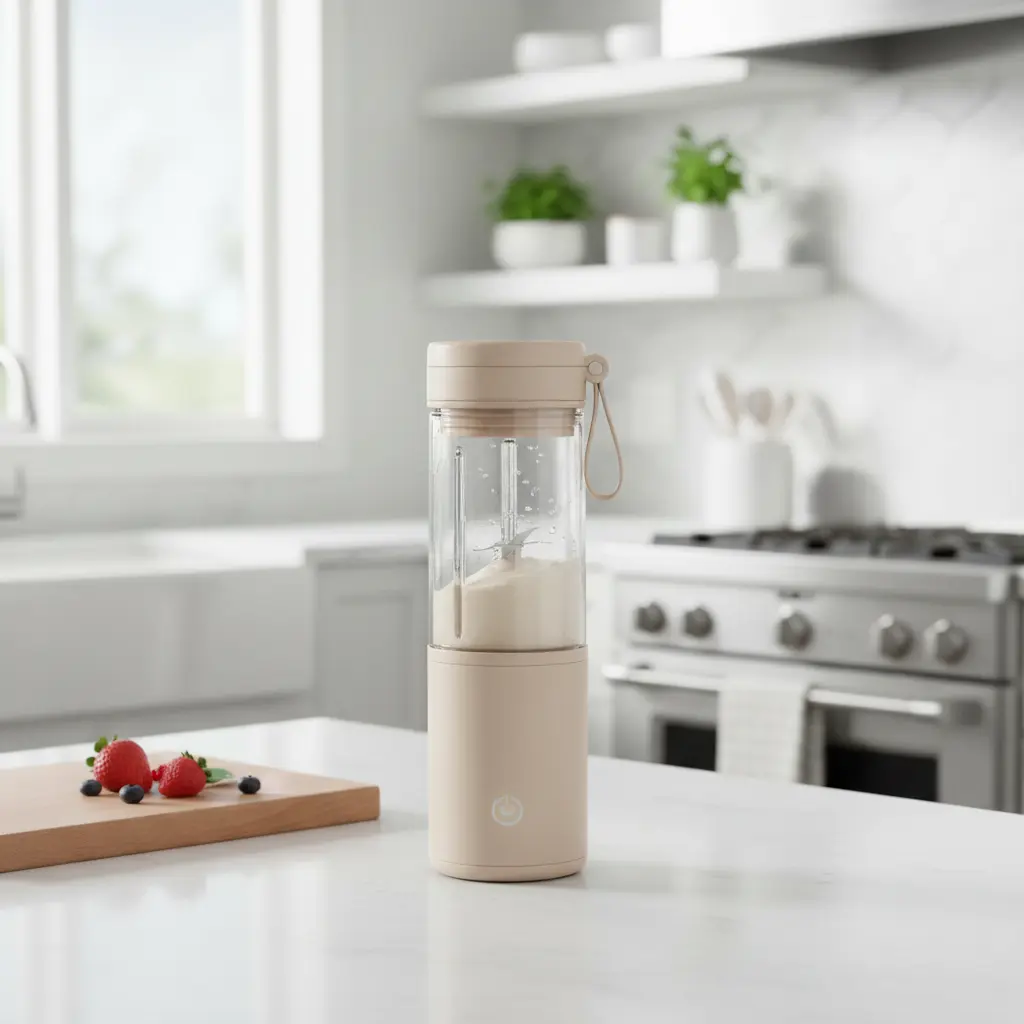
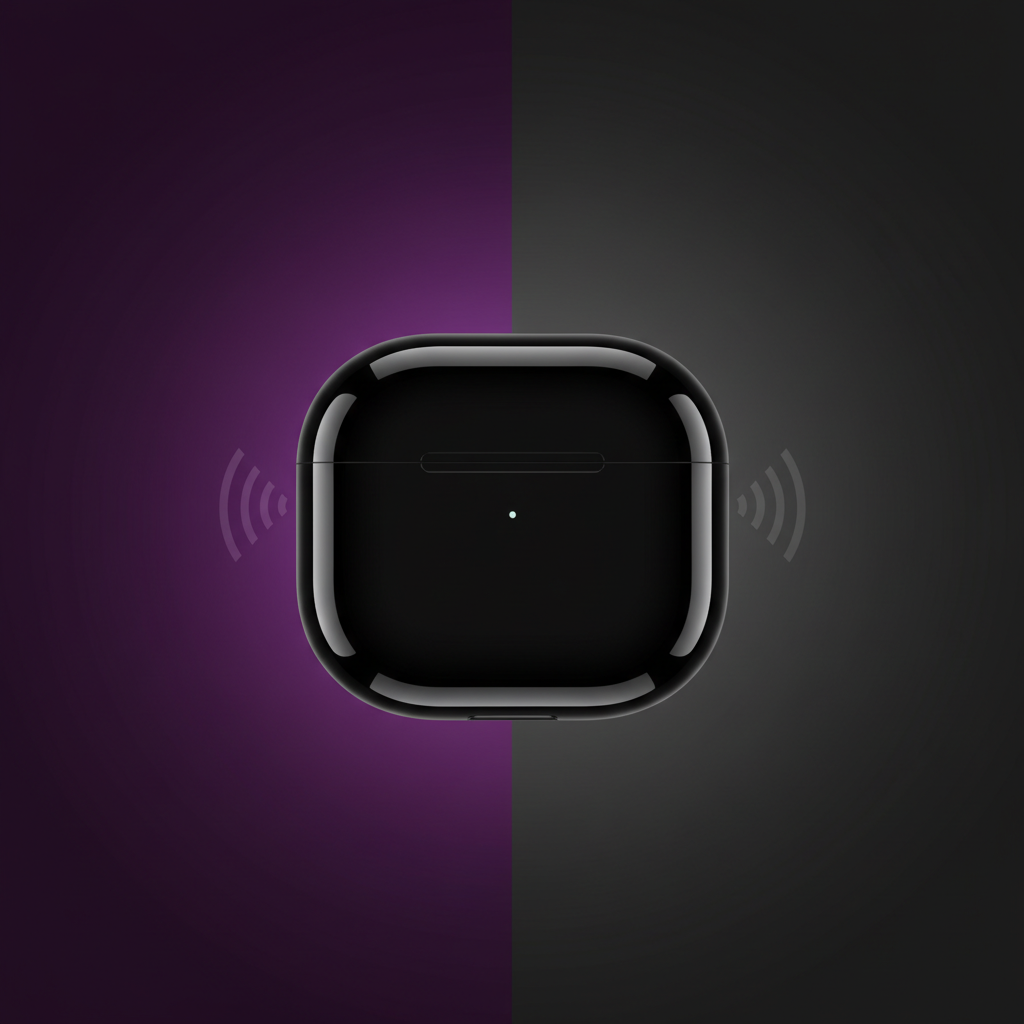
These examples show four different jobs a dropshipping product visual can do across a real store workflow, instead of repeating the same generic catalog treatment everywhere.
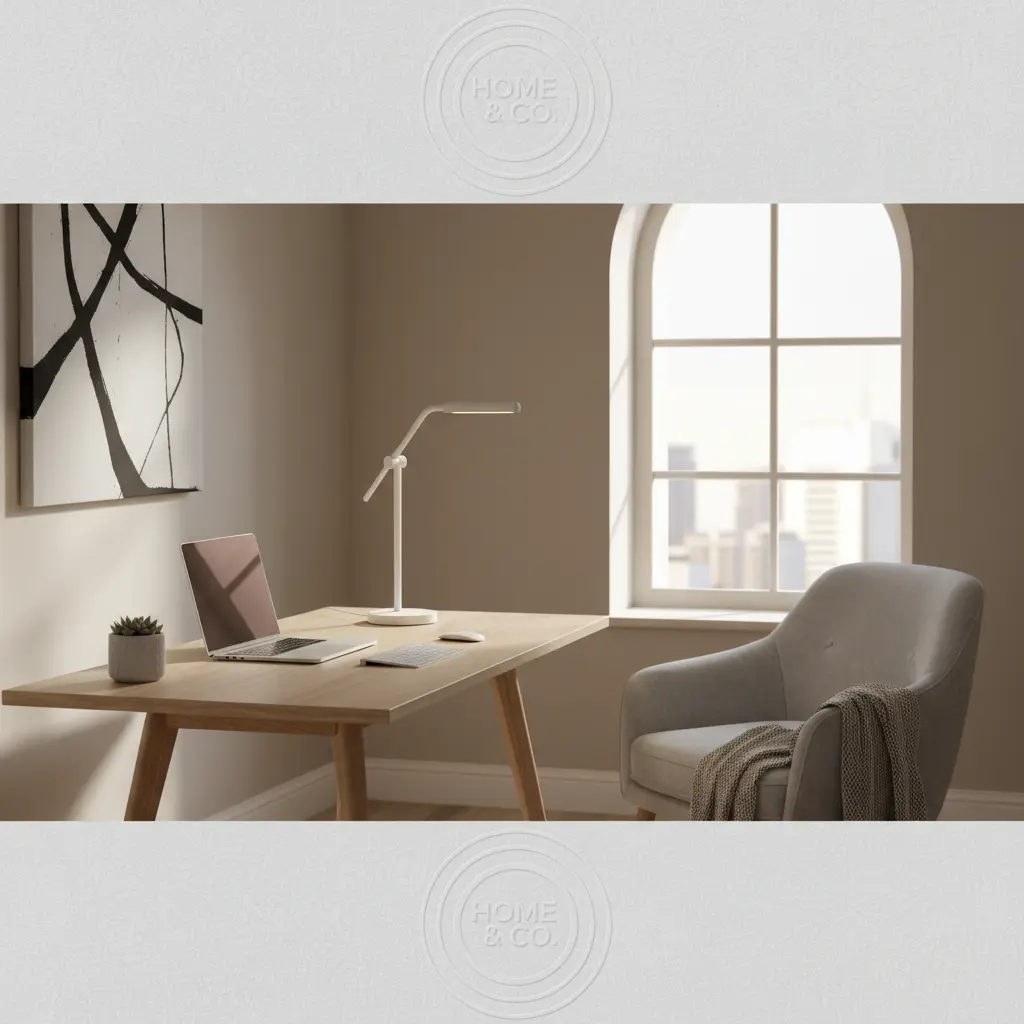
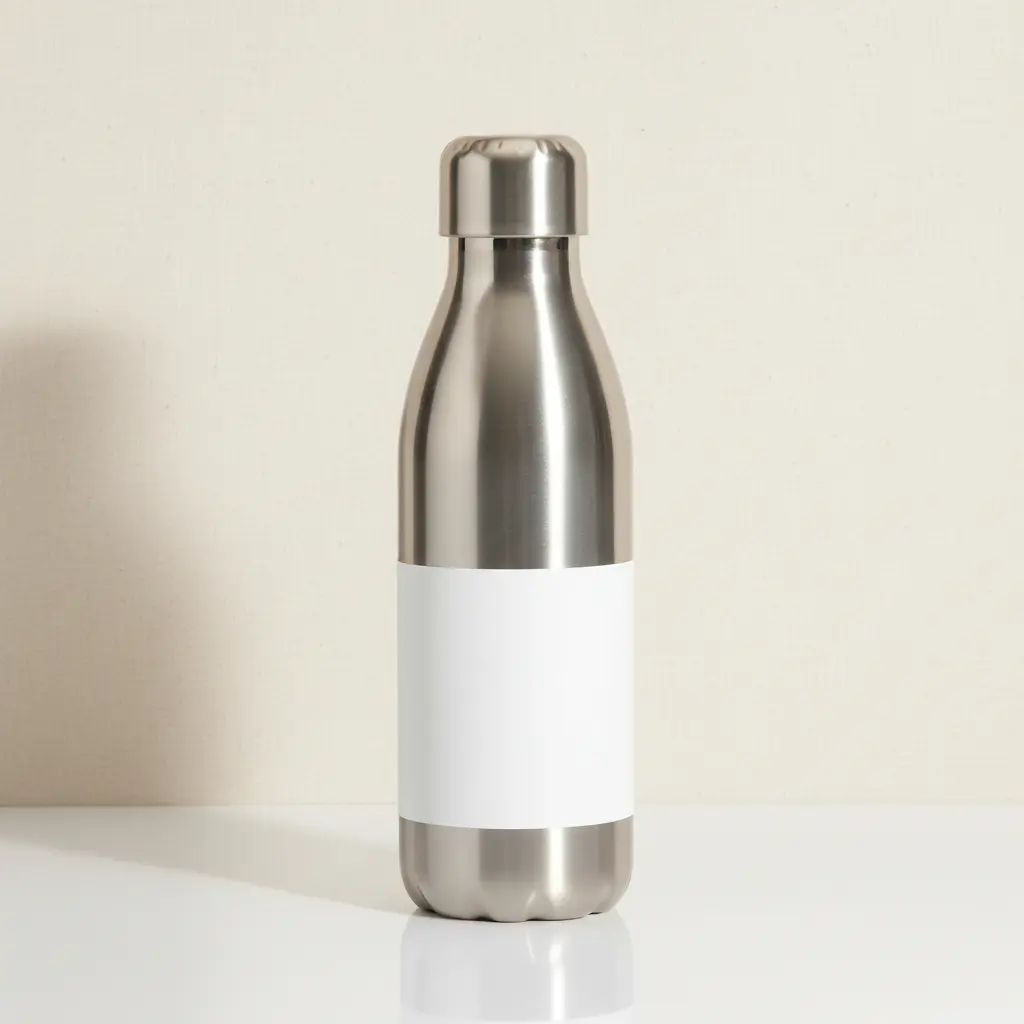
Same product, different positioning
The same dropshipping product can look cheap, premium, trend-driven, or niche depending on how the visual system frames it. That is why product content is part of positioning, not just presentation.
Common mistakes in dropshipping product content
FAQ: dropshipping content with AI
Yes. Supplier images, catalog packshots, and simple product photos can become branded PDP visuals, social creatives, and collection imagery when they are rebuilt around a stronger visual system.
Products with a clear physical form and obvious use case usually work best: beauty items, bottles, home accessories, gadgets, storage products, kitchen goods, and simple consumer products that need better presentation.
Yes. The strongest outputs are usually the ones that support PDP conversion first and can then be reused in paid social, collection banners, and launch campaigns.
Because supplier photos usually look identical across many stores. The goal is to turn the same product into a more branded, differentiated visual system so the store stops looking interchangeable.
Turn supplier photos into stronger store visuals
Use one workflow to move from generic dropshipping imagery to branded PDP support, paid social creatives, and cleaner cross-channel product presentation.
Next practical step
Differentiate Your Dropshipping Catalog from Competitors
Load a standard supplier image into My UGC Studio and choose a unique visual direction. Inspect the generated asset to confirm the product looks authentic and high-quality, and publish the custom image to your online store.