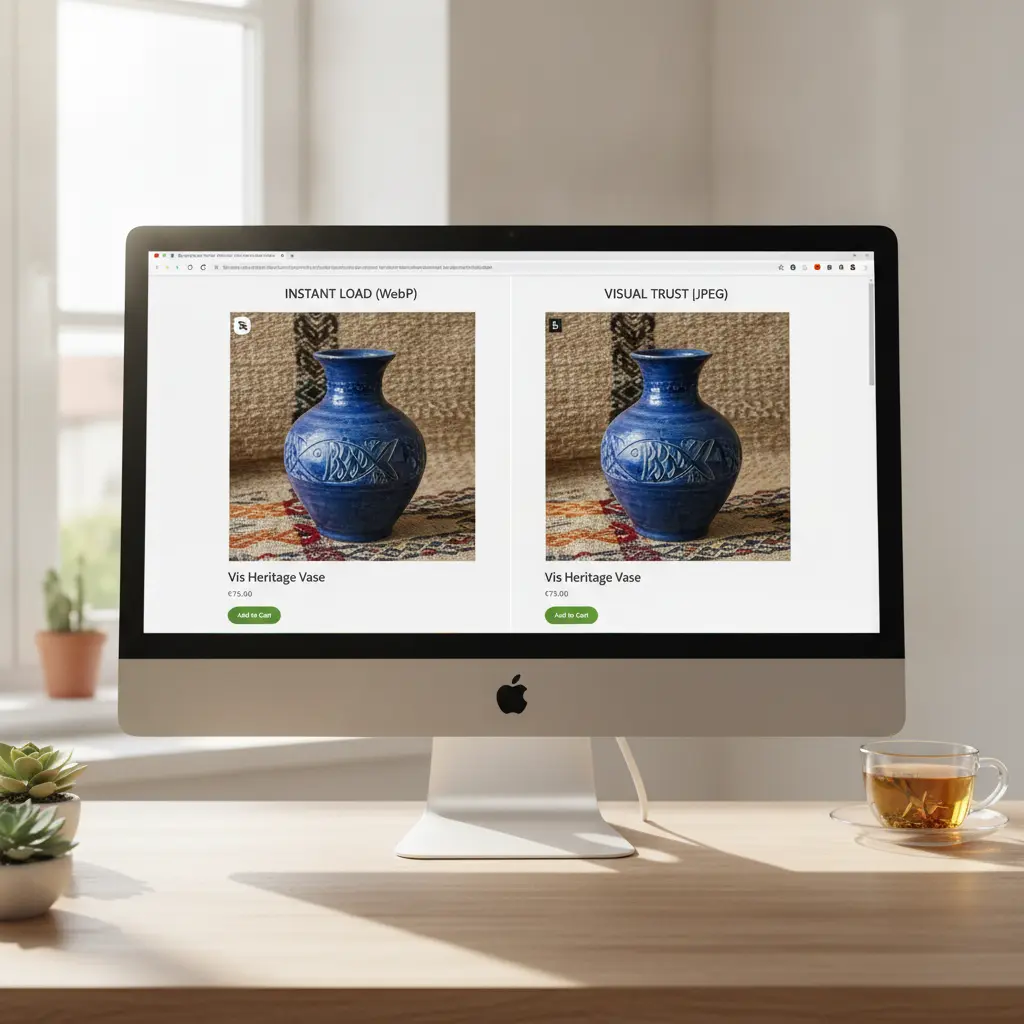
Why do Shopify load times and visual trust constantly conflict?
Every time a merchant attempts to elevate their visual presentation, they face a silent trade-off. Every time a merchant attempts to elevate their visual presentation, they face a silent trade-off. High-resolution imagery is essential to establish credibility, yet every extra kilobyte added to a product detail page threatens the load speed of mobile shoppers. This conflict is particularly acute for brands selling high-consideration items, where buyers expect to inspect micro-details before purchasing.
The conversion cost of slow-rendering hero images
Mobile devices account for the vast majority of modern e-commerce traffic, often operating on inconsistent cellular networks. Mobile devices account for the vast majority of modern e-commerce traffic, often operating on inconsistent cellular networks. When a user clicks an ad and arrives on a Shopify page, they make a judgment about the store within milliseconds. If the primary hero image takes several seconds to render, the visitor frequently assumes the site is broken or untrustworthy, leading to instant abandonment. This latency compounds across the entire shopping journey, lowering add-to-cart rates and increasing customer acquisition costs.
The visual cost of aggressive compression artifacts
To avoid speed penalties, some store owners apply blunt compression algorithms that strip away essential product textures. To avoid speed penalties, some store owners apply blunt compression algorithms that strip away essential product textures. This approach is equally dangerous. Blurry leather grains, fuzzy textile weaves, or pixelated bottle labels can make high-end items look like cheap imitations. Consumers are highly sensitive to visual tells that suggest low-quality sourcing. If they cannot clearly see the build quality, they are likely to purchase from a competitor who provides crisp, reliable details. Transforming raw assets, such as updating supplier photos to high-converting PDP visuals, requires maintaining a precise balance between visual fidelity and technical optimization.
How do different media formats impact mobile speed and image clarity?
Shopify uses a modern content delivery network to distribute visual files globally, but relying entirely on automated server-side compression is a mistake. Shopify uses a modern content delivery network to distribute visual files globally, but relying entirely on automated server-side compression is a mistake. Store owners must actively curate the format and dimensions of their source files to achieve the best results across different mobile devices.
WebP versus AVIF and standard JPEGs
WebP has become the industry benchmark for e-commerce, offering superior compression algorithms that reduce file sizes by thirty percent compared to traditional JPEGs without compromising visual quality. WebP has become the industry benchmark for e-commerce, offering superior compression algorithms that reduce file sizes by thirty percent compared to traditional JPEGs without compromising visual quality. AVIF represents the next step in image compression, delivering even smaller files, though browser support remains slightly less uniform. Shopify automatically serves AVIF files to compatible browsers while reverting to WebP or JPEG for others. To maximize performance, upload clean sRGB JPEGs or high-quality WebP files with dimensions of exactly 2048 by 2048 pixels for square layouts, which keeps the file weight low while preserving native zoom capabilities.
Resolving the transparent PNG performance penalty
Transparent PNG files are a common culprit behind sluggish page loads. Transparent PNG files are a common culprit behind sluggish page loads. Since PNG-24 files carry lossless transparency channels, they are often four to five times heavier than their flat-background counterparts. Unless your theme requires a dynamic overlapping design, replace transparent PNGs with flat-colored WebP or JPEG images. Matching the background color of your product images to your site theme saves massive amounts of bandwidth while keeping your layouts clean and uniform.
Six real-world scenarios for balancing visual depth and performance
Applying asset optimization rules requires a tailored approach based on your specific product category. Applying asset optimization rules requires a tailored approach based on your specific product category. Consider these six common operational scenarios when updating your Shopify store media.
Scenario 1: Shopify jewelry detail zoom
- Situation: A premium jewelry brand needs to showcase intricate metal engravings without causing mobile lag.
- Recommended creative approach: Serve a primary 1500x1500px hero image optimized to 120KB WebP, then use a dedicated, tight macro crop as a secondary image.
- Alternative option: Implement a Javascript-based vector magnifier, though this adds script latency to the main page thread.
- What to avoid: Do not upload a single uncompressed 6000px source image and rely on Shopify to scale it on the fly.
- Explanation: Dividing visual information into separate, highly optimized detail images preserves page speed while satisfying the buyer demand for close-up inspection.
Scenario 2: Skincare bottle texture and transparency
- Situation: A beauty brand wants to display the translucent amber glass of a facial serum along with its texture.
- Recommended creative approach: Use high-contrast backlighting in your visual creation and export as a WebP with a 75 percent quality rating.
- Alternative option: Render a flat graphic illustration of the bottle, which lacks authentic appeal and lowers visual trust.
- What to avoid: Avoid transparent background PNGs that quickly exceed 500KB per image.
- Explanation: Solid, neutral backgrounds compress far more efficiently than complex gradients, drastically reducing total page weight.
Scenario 3: Leather boots color accuracy and grain
- Situation: A footwear store faces high return rates because the actual leather color differs from screen visuals.
- Recommended creative approach: Save all assets using standard sRGB color profiles and use moderate sharpening to emphasize real grain texture without over-saturation.
- Alternative option: Place a text disclaimer warning customers about screen variance, which does not prevent returns.
- What to avoid: Do not apply heavy warm filters or stylized color grading that distorts the actual product hue.
- Explanation: Delivering realistic textures and accurate colors builds long-term customer trust and lowers return rates, which directly improves profit margins.
Scenario 4: Home decor spatial scale
- Situation: An online furniture shop selling accent chairs needs to convey accurate proportions so buyers do not return items.
- Recommended creative approach: Produce lifestyle visuals containing standard-sized reference items, such as a side table, while maintaining a strict 150KB limit on the final export.
- Alternative option: Rely entirely on a technical dimension blueprint, which can be difficult for casual shoppers to interpret.
- What to avoid: Do not use ultra-wide-angle camera lenses that distort the dimensions of the product relative to its surroundings.
- Explanation: Showing products next to everyday objects helps buyers visualize scale, lowering cognitive hesitation and preventing post-purchase disappointment.
Scenario 5: Fitness gear technical specs
- Situation: A resistance band brand wants to display multi-layered material construction without forcing users to read long text documents.
- Recommended creative approach: Use a secondary 1200x1200px image with high-contrast text overlays highlighting the layered components.
- Alternative option: Place the technical specs inside a downloadable PDF, which mobile users rarely open.
- What to avoid: Do not use small, thin fonts that blur and become unreadable when compressed.
- Explanation: Infographic-style secondary images are highly effective, provided the typography is bold and clean enough to withstand standard compression filters.
Scenario 6: Sunglasses lens reflection and glare
- Situation: An eyewear brand wants to demonstrate polarized lens capabilities on their product pages.
- Recommended creative approach: Use a clean side-by-side split comparison image displaying the view with and without the polarized lenses.
- Alternative option: Embed a heavy interactive slider widget that relies on external CSS and slows down mobile rendering.
- What to avoid: Do not upload high-bitrate video clips that auto-play and consume precious mobile bandwidth.
- Explanation: A static comparative image delivers instant clarity and compresses highly efficiently due to the repeating visual patterns.
Selecting the optimal file targets across product categories
To establish clear standards for your creative and development teams, you should implement specific file size budgets. To establish clear standards for your creative and development teams, you should implement specific file size budgets. Different product lines require varying priorities; a detailed fashion item needs more resolution than a simple plastic toy. Use this breakdown to keep your Shopify catalog light and fast.
| Product Category | Recommended Format | Max File Target | Visual Purpose |
|---|---|---|---|
| Jewelry & Accessories | WebP | 120KB - 150KB | Macro zoom detail shots, clean light background |
| Apparel & Fashion | WebP | 100KB - 130KB | True color accuracy, medium fabric detail |
| Skincare & Beauty | WebP | 80KB - 110KB | Translucent bottle views, flat background colors |
| Home & Furniture | JPEG / WebP | 150KB - 180KB | Lifestyle interior settings, scale references |
| Fitness & Outdoors | WebP | 100KB - 140KB | Action shots, clean contrast on technical details |
| Consumer Electronics | WebP | 90KB - 120KB | Port details, sleek finish showing actual inputs |
| Toys & Games | WebP | 80KB - 110KB | Vibrant colors, high contrast, clean product surfaces |
| Food & Beverage | WebP | 100KB - 130KB | Textured close-ups, splash shots, natural tones |
| Pet Accessories | WebP | 90KB - 120KB | Durable stitching, material flexibility details |
By enforcing these strict visual budgets, you prevent performance creep on your product detail pages. This methodical approach ensures that even as your inventory expands, your site speed remains highly competitive, protecting your organic search positions and ad performance.
Step-by-step pipeline for compressing Shopify PDP media
Establishing a repeatable operational sequence prevents heavy, unoptimized assets from being uploaded to your live store. Establishing a repeatable operational sequence prevents heavy, unoptimized assets from being uploaded to your live store. Ensure that your design team and site administrators follow this structured process before publishing any new product media:
- Export your original master assets in raw, high-resolution formats using a standard sRGB color profile to prevent color shifts.
- Crop and resize the images to exactly 2048 by 2048 pixels for standard square grids, or 1200 by 1600 pixels for vertical layouts.
- Process the resized files through an advanced lossy compression utility, targeting a 75-80 percent quality output in WebP format.
- Strip all non-essential EXIF metadata, camera profiles, and location coordinates from the files to shave off extra kilobytes.
- Test the newly compressed files on a development duplicate of your Shopify store using PageSpeed Insights to verify performance metrics.
- Perform a manual quality control check on a physical mobile device to confirm that fine textures and text labels remain perfectly legible.
By making this sequence a mandatory step in your catalog updates, you ensure that visual trust and technical performance coexist perfectly on every PDP. Regular monitoring helps catch unoptimized files before they impact your metrics.
How to maintain visual depth across 500 catalog items with My UGC Studio
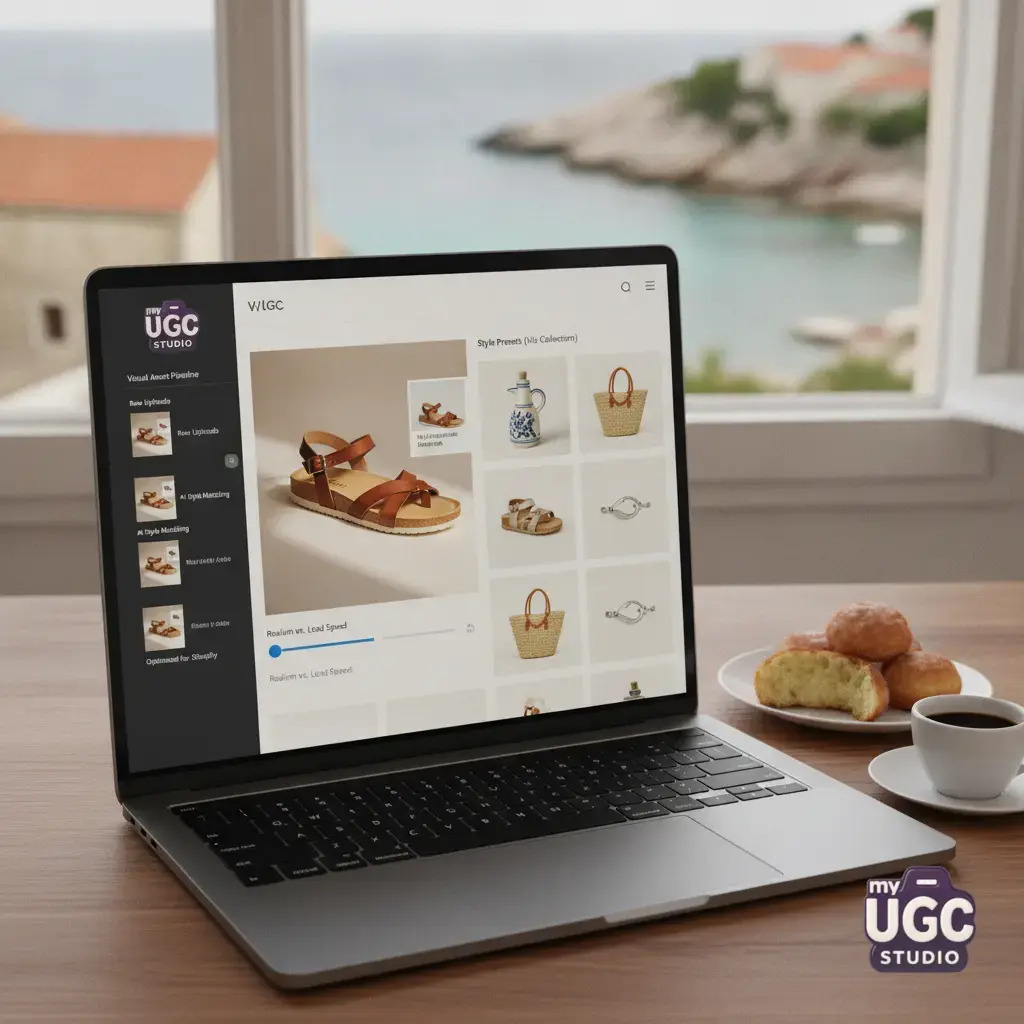
Managing large catalogs of 500 or more SKUs typically introduces severe visual inconsistencies and file-size bloat. Managing large catalogs of 500 or more SKUs typically introduces severe visual inconsistencies and file-size bloat. This is where My UGC Studio provides a robust operational workflow to maintain professional visual standards without adding technical overhead.
Instead of relying on fragmented photo shoots and mismatched backgrounds that yield inconsistent, heavy files, you can upload basic flat shots of products like stainless steel coffee gear, cosmetics, or pet goods. Once your product assets are uploaded, you select a visual direction, lock the scene style, and generate a cohesive batch of product visuals.
The platform applies uniform lighting, realistic shadows, and consistent camera perspectives across your entire catalog, ensuring your background visual logic is identical. This uniformity is highly beneficial for compression; flat, clean, and consistent backgrounds compress far more efficiently than busy, complex environments. You can easily export these unified visuals at your target dimensions, ready to be pushed directly to your Shopify store.
To see examples of clean, high-performance visual layouts, explore the My UGC Studio Gallery, and check our pricing page to see how to scale your brand visuals affordably while keeping your mobile site running fast.
How do video and user-generated content fit into the page speed equation?
Modern e-commerce brands rely heavily on video loops and authentic customer media to validate product quality. Modern e-commerce brands rely heavily on video loops and authentic customer media to validate product quality. However, third-party video players and heavy review widgets are the leading causes of page weight inflation and code bloat on Shopify.
Native HTML5 loops versus bloated video players
To present product features dynamically without dragging down speed scores, you can convert static images to high-performing video clips using an efficient product image-to-video workflow . To present product features dynamically without dragging down speed scores, you can convert static images to high-performing video clips using an efficient product image-to-video workflow. Avoid using heavy external players like YouTube or Vimeo, which load substantial Javascript payloads before your page can render. Instead, upload short, highly compressed WebM or MP4 loops directly to your Shopify media folder and display them using native HTML5 tags with autoplay, loop, and muting enabled.
Managing review widgets without script latency
If you want to leverage social proof, learn how to add UGC content to Shopify product pages using native liquid blocks or lightweight integrations rather than script-heavy plugins. If you want to leverage social proof, learn how to add UGC content to Shopify product pages using native liquid blocks or lightweight integrations rather than script-heavy plugins. Keeping your review sections fast and minimally coded keeps your mobile site speed high while leveraging authentic user feedback. This balance ensures that your conversion-driving elements do not compromise the actual speed of your store. To align your overall visual theme with high-converting layouts across paid acquisition channels, study the core visual cues of a high-converting AI UGC ad to keep a unified aesthetic from the first click to the final checkout screen.