What is an AI Photoshoot?
An AI photoshoot generates synthetic image backgrounds and lifestyle environments around a real product photo. Rather than renting physical locations or booking studio setups, sellers upload a clean product photograph into a web tool, select a style, and generate alternative visual contexts.
AI-Powered Image Generation Explained
AI image generators synthesize visual patterns learned from large datasets to construct lighting and background scenes. Ordinary image generators attempt to blend product photos into scenes but often alter brand elements, whereas My UGC Studio guarantees exact product accuracy so review focuses on scene composition.
From Concept to Creation: The AI Workflow
The basic AI photo workflow involves selecting source images, defining scene settings, generating candidate renders, and inspecting outputs. Merchants iterate on settings or prompts to test different visual themes, keeping accepted renders and discarding those that distort colors or package labels.
Why Are AI Photoshoots Used for E-commerce?
E-commerce brands use AI photoshoots to quickly generate diverse promotional images from existing product photography. This approach reduces the initial time spent scheduling studio sessions when refreshing seasonal catalog assets or testing background styles.
Combating High Content Costs
Generating images via AI can lower per-shot visual creation expense compared to full-scale studio production costs. Calculate your actual usable cost per image by including rejected renders, editing labor, and credit spend rather than assuming blanket savings. Learn how to cut Shopify content costs by 90% with AI through realistic credit and acceptance planning.
Speeding Up Time-to-Market
AI tools allow merchants to create alternative product backgrounds in minutes rather than waiting weeks for studio scheduling and editing. Rapid asset creation helps online stores launch seasonal promotions or update catalog banners without production delays.
Meeting the Demand for Diverse Visuals
AI generators can display products across varied background settings, themes, and seasonal contexts. However, generated human figures represent synthetic visuals rather than genuine customer reviews or real product testimonials. Explore how to localize your e-commerce brand with AI presets while maintaining clear customer trust standards.
Key Benefits of AI Photoshoots for Brands
Key advantages include rapid variation testing, catalog background standardization, and flexible visual experimentation. Teams can test different scene concepts without committing to physical props or travel.
Hyper-Personalization at Scale
Merchants can tailor background settings to match targeted audience segments or regional preferences. Creating segment-specific visual themes allows brands to evaluate which aesthetic styles resonate best on product detail pages.
Ensuring Brand Consistency
Consistent visual rules across product lines preserve store presentation and customer trust. Using uniform lighting styles, shadow direction, and color balances across generated batches keeps catalog pages coherent.
A/B Testing and Optimization Made Easy
Rapid visual generation simplifies creative testing across social media and marketplace ad placements. Marketers can run structured A/B tests with alternative visual styles while keeping offer, audience, and landing page variables identical.
How Do AI Photoshoots Work?
Generating product images requires uploading a clear reference photo, choosing desired environment settings, running the generator, and auditing the result. The underlying software blends the product photo into a generated background scene according to selected options.
Step-by-Step AI Photoshoot Process
A structured photoshoot workflow ensures output quality and brand compliance from start to finish. Follow these essential operational steps:
- Define Visual Goals: Determine target image dimensions, background styles, color schemes, and intended channel requirements.
- Prepare Product Source Photos: Capture clean smartphone or studio photos where labels, logos, textures, and product shapes are sharp and unobscured.
- Select Settings or Prompts: Choose available platform templates or enter clear descriptive text detailing lighting, surface materials, and background context.
- Generate and Audit Output: Run image generation and inspect results at 100% zoom to reject distorted text, altered colors, or unnatural shadows.
- Export Usable Assets: Download approved high-resolution images for catalog placement or publish directly through supported shop integrations.
Utilizing Advanced AI Models for Visuals
Modern generative image models process pattern data to render shadows, reflections, and realistic environment textures. While models produce convincing lighting effects, sellers must verify that product proportions, labels, and physical details match original inventory.
Overcoming Traditional Photography Challenges with AI
AI software addresses physical studio constraints by enabling remote visual production and flexible background updates. It provides an accessible option for catalog expansion alongside standard studio photography.
Logistical Nightmare vs. Digital Simplicity
Physical studio sessions require scheduling locations, shipping samples, renting gear, and coordinating crew members. AI visual tools replace complex physical logistics with a web interface where merchants generate images directly from saved source photos.
The Cost Barrier: Studio vs. Software
Traditional photography incurs upfront day rates and studio rental fees regardless of output yield. Software platforms charge per credit or monthly tier, making visual production accessible for growing stores. Compare strategies in our guide to AI-powered content strategy for dropshipping success to evaluate software commitments.
Maximizing ROI with AI-Generated Visuals
Maximizing return on AI visual spend requires evaluating true usable cost per creative and discarding defective renders. Tracking actual accepted images against subscription costs ensures clear economic visibility.
Boosting Conversion Rates with Targeted Content
Tailoring visual backgrounds to relevant context can improve shopper clarity and engagement. Test product placement across relevant lifestyle backgrounds while maintaining accurate representation, as outlined in AI Placements for FBA Success.
Scaling Content Production for Multiple Platforms
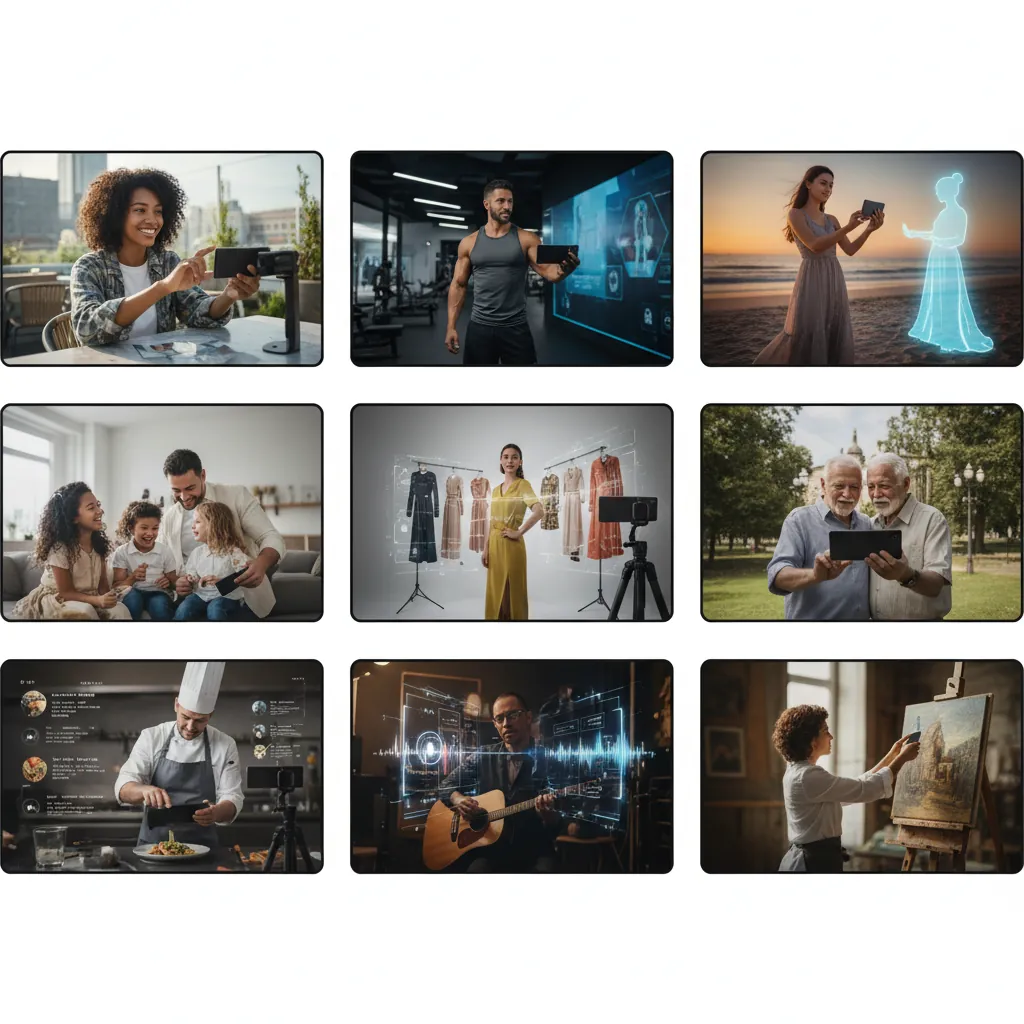
AI workflows enable swift re-formatting and background variation for storefronts, social ads, and email campaigns. Batch visual production maintains active ad testing without booking repeated physical shoots. Learn to scale your Shopify brand with AI UGC using structured QA steps.
Comparing AI Photoshoots to Traditional Studios
AI photo generation offers fast turnaround and lower initial per-image software costs, while physical photography provides absolute physical accuracy and hands-on styling control.
Cost, Speed, and Flexibility: A Side-by-Side
Comparing automated AI rendering with traditional studio photography highlights distinct trade-offs in speed, labor, and control.
| Selection Criteria | AI Product Photoshoot | Traditional Studio Shoot |
|---|---|---|
| Direct Cost Model | Current quote required; include editing and usage rights | Day rates for photographer, studio rental, props, and stylists |
| Turnaround Time | Minutes per generated render batch | Days or weeks including scheduling, shooting, and editing |
| Production Scalability | High batch output; yield depends on quality acceptance rate | Constrained by physical shoot schedule and overall budget |
| Visual Modification | Regenerate scenes via settings; generic tools require label QA, while My UGC Studio maintains product fidelity | Requires physical re-shoot or manual Photoshop editing |
| Product Accuracy | Generic AI can distort logos or text; My UGC Studio guarantees real product accuracy while changing scenes | Guaranteed physical fidelity captured directly by camera lens |
When Traditional Photography Still Has a Place
Traditional camera photography remains necessary when absolute physical precision, exact fabric feel, complex physical interaction, or strict legal compliance is required. For routine catalog background swaps and marketing visual variations, AI tools provide a complementary workflow.
What Are the Best Practices for AI Photoshoots?
Best practices focus on clean input photos, detailed prompt directions, rigorous quality auditing, and strict brand alignment.
Crafting Effective AI Prompts
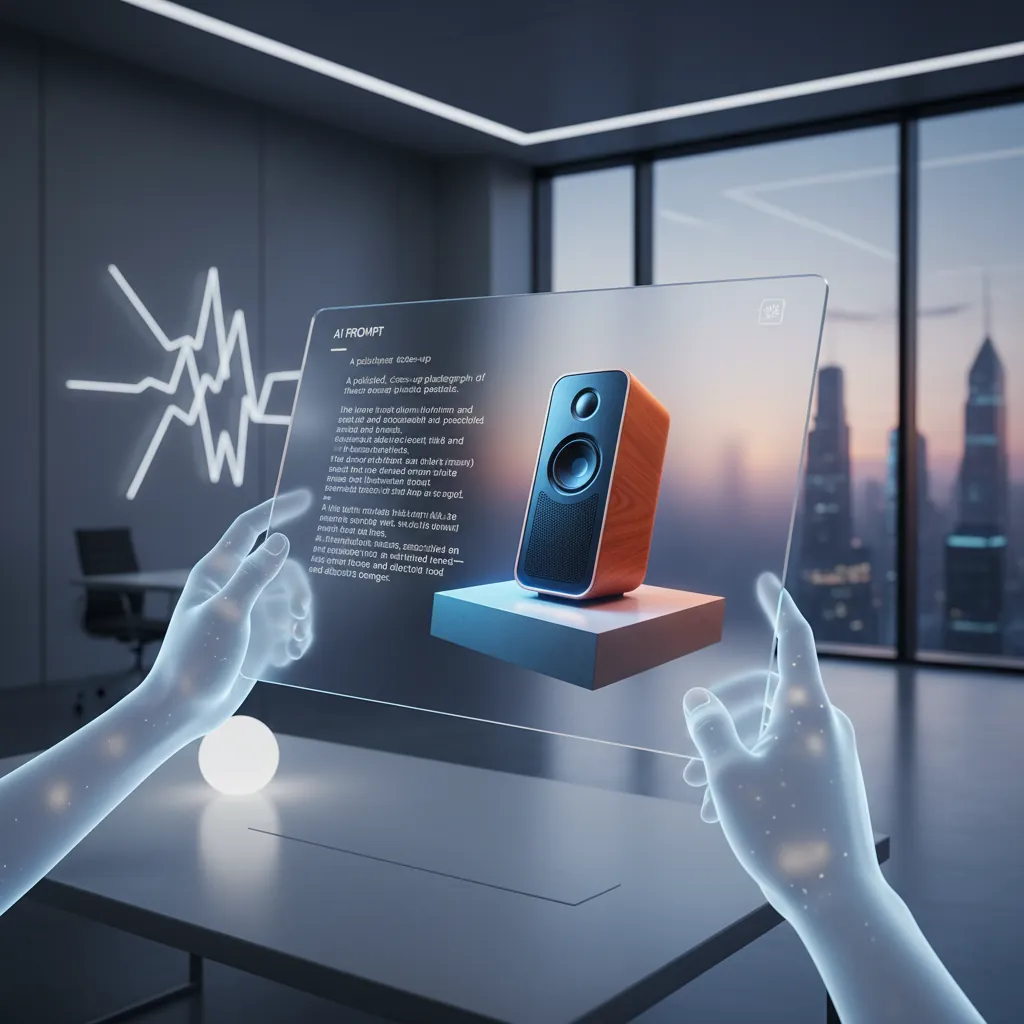
Effective scene prompts define clear lighting source, surface material, color palette, and background composition. Avoid vague descriptions; specify exact details like 'matte wood table, soft natural daylight from left, neutral warm backdrop' to guide rendering stability.
Integrating AI-Generated Images into Your Workflow
Organize AI visual creation around clear catalog batches, standardized QA review, and direct storefront publishing. Systematize production to support ad creative testing, such as evaluating TikTok Ads 2026: Why AI UGC Converts Better Than Studio Productions with realistic cost tracking.
The Role of AI in Scaling Content for Global Markets
AI scene generation helps online merchants present products in diverse global aesthetic contexts without overseas location shoots.
Localizing Visuals for International Audiences
Merchants can adapt background settings and interior designs to reflect regional seasonal preferences and visual norms. Adapting lifestyle contexts helps cross-border sellers align visuals with regional buyer expectations. Read more in The Localization Hack: Capture Global Markets with AI Presets.
Localization with AI requires careful inspection: background cultural details and product label integrity must be manually verified before publishing globally.
Maintaining Consistency Across Global Campaigns
Establishing uniform background presets and lighting rules ensures coherent catalog presentation across regional storefronts. Maintain strict reference guidelines so localized visual variations preserve core product appearance and brand trust.

Future Trends: What's Next for AI Photography?
Future developments in AI product photography focus on improved rendering stability, faster background integration, and tighter ecommerce workflow tools.
Hyper-Realism and Beyond
Generative models continue to improve background blending, fine shadow detail, and realistic material reflections. Even as image quality improves, merchants must maintain standard QA procedures to catch occasional visual anomalies or distorted text.
Integration with AR/VR and Interactive Content
AI image generation workflow integration with augmented reality catalogs will streamline product preview generation. Standardizing 2D photo assets helps lay the foundation for interactive store experiences and 3D preview pipelines.
Ethical AI and Bias Mitigation
Responsible AI usage requires transparency regarding synthetic avatars and proper representation across promotional material. Brands should avoid misleading claims regarding synthetic figures and maintain clear compliance with advertising guidelines.