AI Product Visuals for Amazon FBA Sellers
Amazon sellers need more than one compliant product photo. My UGC Studio helps you turn existing product images into stronger secondary visuals, premium support scenes, and off-Amazon creative that makes listings feel more complete and more valuable.

Why Amazon sellers need a different visual workflow
Amazon product pages depend on trust, speed of understanding, and perceived value. A plain catalog image can show the item, but it rarely does enough to support premium positioning, explain use, or help the shopper read the product story across multiple images.
That makes Amazon different from simple store catalogs. Sellers need visuals that stay product-led and channel-aware, while still creating a fuller and more persuasive content layer around the listing.
Who this workflow is best for
This workflow works best for Amazon sellers who want stronger support imagery around the listing, not just another packshot. It is especially useful when the product benefits from use context, premium framing, or broader multi-channel reuse.
What products work best
The workflow is strongest for physical products where context, placement, and perceived quality help shoppers decide faster.
| Product type | Best output | Where to use it | Why it matters |
|---|---|---|---|
| Home goods | Lifestyle support visuals | Amazon secondary images, Shopify PDPs | Shows placement and helps shoppers understand the product in a real setting. |
| Beauty and personal care | Premium brand scenes | Listings, A-plus style modules, social | Improves trust and premium perception around otherwise simple packshots. |
| Fitness and wellness items | Use-context visuals | Secondary images, paid social | Explains function and value faster than isolated white-background photos. |
| Electronics accessories | Clean product storytelling scenes | Listings, email, ads | Makes compatibility and real-world use feel more concrete. |
| Kitchen and daily-use products | Placement and use-case imagery | Amazon, DTC, campaigns | Increases clarity around scale, material feel, and routine use. |
| Giftable consumer goods | Premium contextual creatives | Listings, seasonal campaigns | Supports value perception and helps the product feel less generic. |
Input to output: how the workflow translates into real assets
Typical inputs
Typical outputs
Recommended workflow for Amazon-focused teams
Use one product image base, then expand outward into listing support imagery, richer contextual scenes, and channel-ready variants.
What you can create for Amazon FBA
Amazon visuals should not stop at one compliant image. The strongest workflows create a broader system of support assets that make the listing more useful and the product more persuasive.
Before and after: from catalog input to stronger Amazon support visual
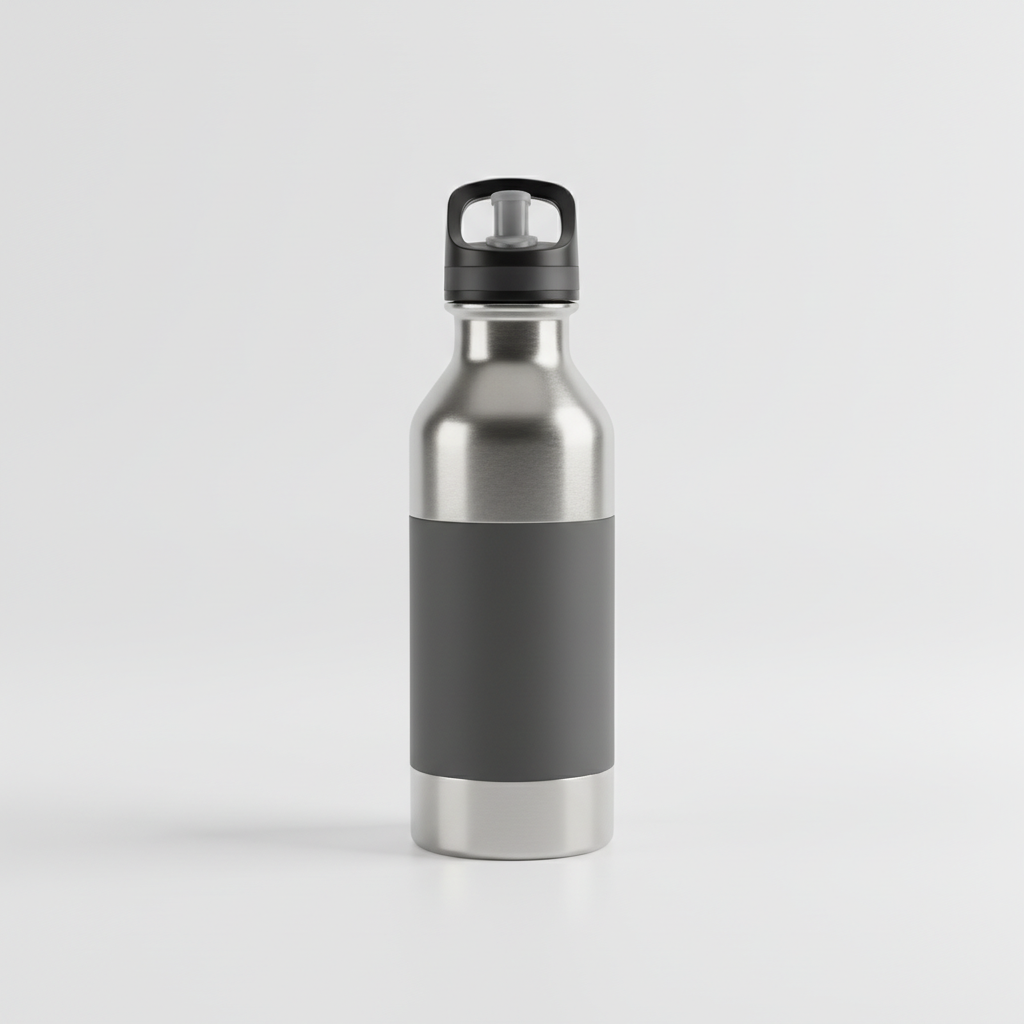
This comparison now stays on the same bottle family instead of mixing unrelated products. The goal is to show what changes when a clean listing base becomes a fuller secondary image with more premium context.

Use-case examples for Amazon sellers
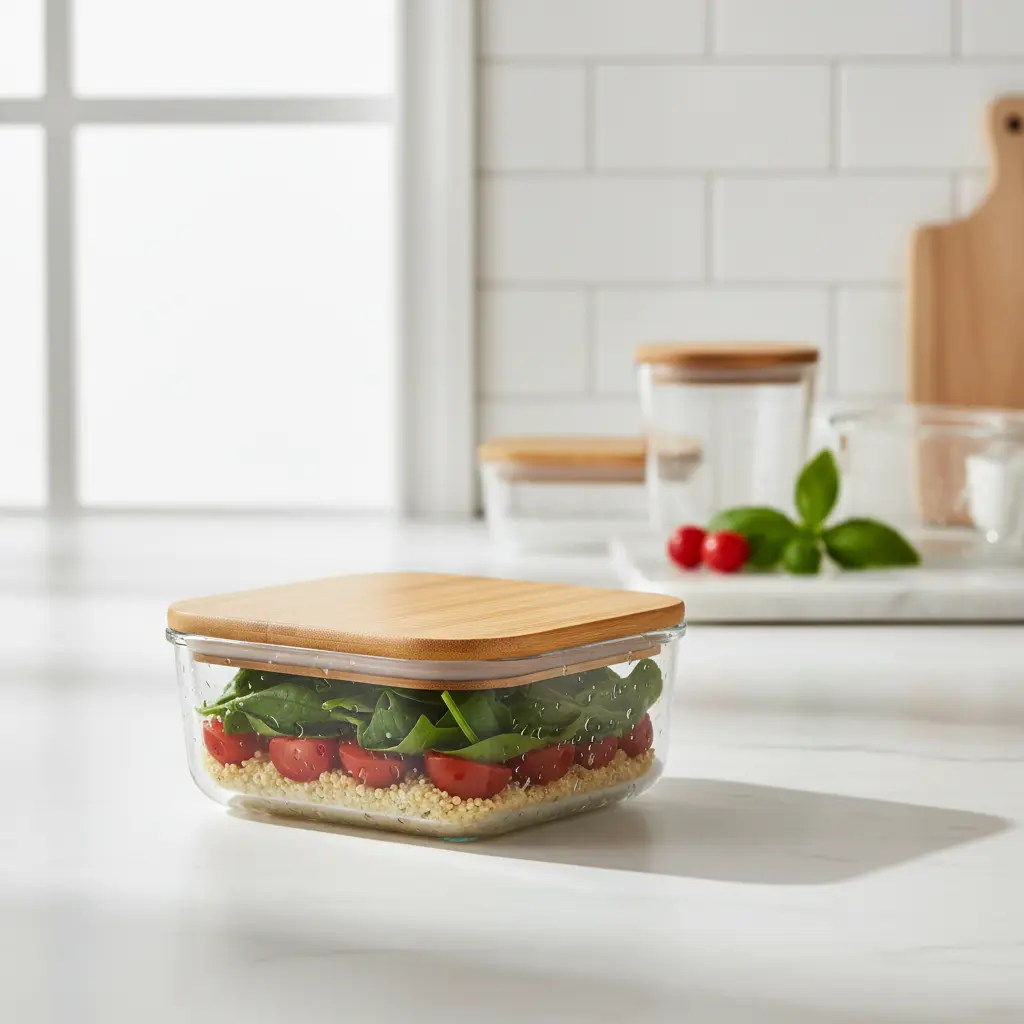
These examples map Amazon-oriented visuals to real ecommerce jobs instead of generic filler imagery. Each one supports a different part of the listing and off-Amazon content workflow.



Why not rely on plain supplier photos or generic marketplace visuals
Supplier images can help launch a listing, but they rarely make the product feel more premium or better explained. Generic marketplace-style visuals often do the opposite: they look technically usable, but emotionally flat.
A stronger workflow stays product-led while improving context, perceived quality, and reuse potential across other ecommerce channels.
Common mistakes in Amazon product visuals
Where this workflow works best and where it is more limited
FAQ for Amazon FBA sellers
Yes. The workflow is strongest for secondary images, A-plus style support visuals, and broader product-led creative that clarifies use, context, and perceived quality.
Start with secondary listing visuals, lifestyle support scenes, and clean product storytelling assets that help shoppers understand context and value more quickly.
Yes. The same visuals can be reused for Shopify product pages, paid social campaigns, email, and broader marketplace content systems.
No. The workflow is best used to strengthen the surrounding visual layer while keeping channel-specific compliance requirements in mind.
Physical consumer products with a clear use case usually work best: home goods, accessories, beauty products, fitness items, electronics accessories, and everyday lifestyle products.
Build a stronger Amazon visual system
Use one workflow to turn existing product photos into stronger secondary images, richer listing support scenes, and reusable ecommerce creative across channels.